OpenCode Custom Provider Setup for Claude, GPT, and Gemini
Add RouterPlex to OpenCode with the OpenAI-compatible provider package, register model IDs, select a model, and set a hard API-key budget.
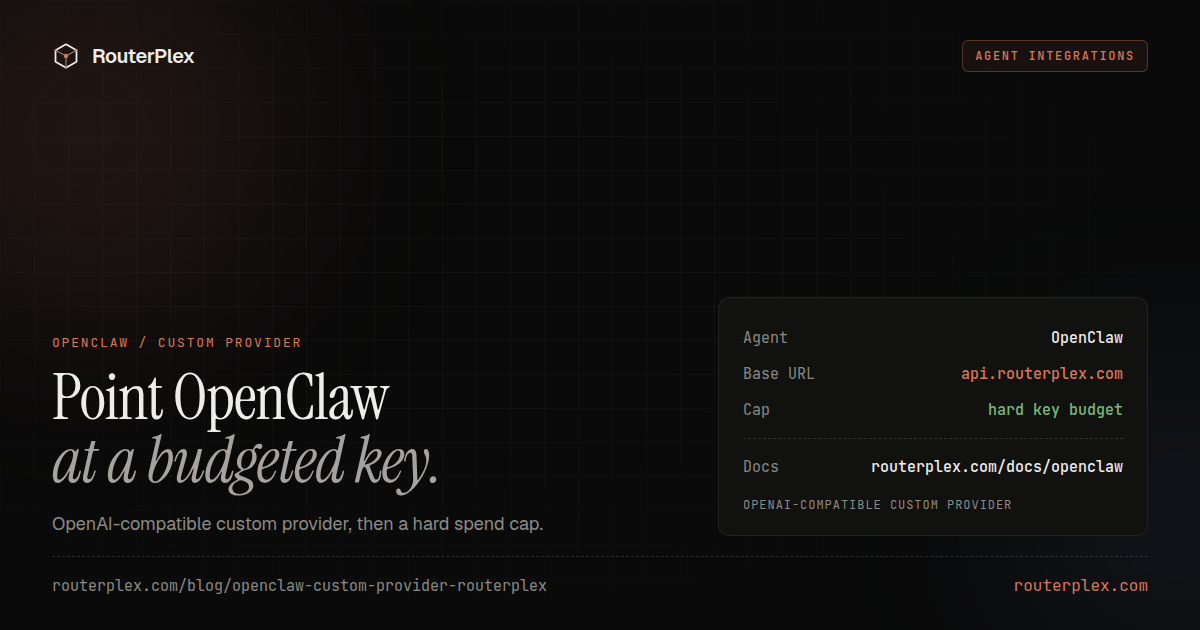
OpenCode supports custom OpenAI-compatible providers through @ai-sdk/openai-compatible. Point that provider at RouterPlex and OpenCode can select Claude, GPT, Gemini, Kimi, and other models from one API key and prepaid balance.
The provider structure below follows the official OpenCode custom-provider documentation checked July 15, 2026.
1. Decide where the provider belongs #
Use one of these files:
~/.config/opencode/opencode.jsonfor every project.opencode.jsonin a repository for a project-specific model list.
Keep the API key in an environment variable. A repository configuration can safely reference that variable without storing the credential.
2. Configure RouterPlex #
{"$schema": "https://opencode.ai/config.json","provider": {"routerplex": {"npm": "@ai-sdk/openai-compatible","name": "RouterPlex","options": {"baseURL": "https://api.routerplex.com/v1","apiKey": "{env:ROUTERPLEX_API_KEY}"},"models": {"claude-opus-4-8": {"name": "Claude Opus 4.8"},"gpt-5.5": {"name": "GPT-5.5"},"gemini-3.5-flash": {"name": "Gemini 3.5 Flash"}}}}}
Export the key before opening OpenCode:
export ROUTERPLEX_API_KEY="sk-..."opencode
Run /models and choose one of the models under the RouterPlex provider.
Why the npm package matters #
RouterPlex uses /v1/chat/completions, so @ai-sdk/openai-compatible is the correct adapter. The official OpenCode docs distinguish this from providers that require the OpenAI Responses API.
If the provider loads but requests fail, check the adapter before changing model IDs.
Give OpenCode its own budget #
Create a key named after the project or tool, such as opencode-my-app. Add a hard budget and optionally restrict the key to the model IDs in the configuration file.
That creates two useful controls:
- OpenCode only displays the models registered in its local provider.
- RouterPlex independently rejects any model or spend that the API key is not allowed to use.
The second control still applies if a local configuration file is edited or the agent behaves unexpectedly.
Troubleshooting #
RouterPlex does not appear in /models
Validate the JSON and confirm the provider is under the singular provider key. Check that npm, options.baseURL, and models are inside the routerplex provider.
Authentication fails
Run echo $ROUTERPLEX_API_KEY in the same shell that launches OpenCode. Avoid printing the value in shared logs or screenshots.
Model not found
Use a model ID exactly as it appears in the RouterPlex catalog. Display names are only labels; the JSON object key is the ID sent to the API.
Costs are higher than expected
Check which model is selected, review tool-call loops, and set a smaller hard budget while testing. Agent tasks often involve several model calls rather than one.
See the shorter OpenCode integration reference, or start with $5 and test one repository with a dedicated key.
Common questions
Frequently asked questions
Can OpenCode use a custom OpenAI-compatible provider?
Yes. Configure a provider with the @ai-sdk/openai-compatible package, a baseURL, an API key, and the model IDs you want OpenCode to display.
Where does OpenCode store custom providers?
Use ~/.config/opencode/opencode.json for a user-wide provider or opencode.json in a project for project-specific configuration.
Can OpenCode switch between Claude and GPT through one key?
Yes. Register the RouterPlex model IDs under the same custom provider, then use OpenCode's /models command to switch.
Run the smallest paid test.
Add $5, cap the key, and verify the result with your own workload. No subscription, and credit never expires — a first top-up of $25+ is matched with $25 extra.