Kimi K3 API: Pricing, Context Window and Setup
Official Kimi K3 API pricing: $3/$15 per 1M (cache-hit $0.30). Cheapest Kimi K3 API is that list rate with no 5.5% top-up fee. 1M context, setup.
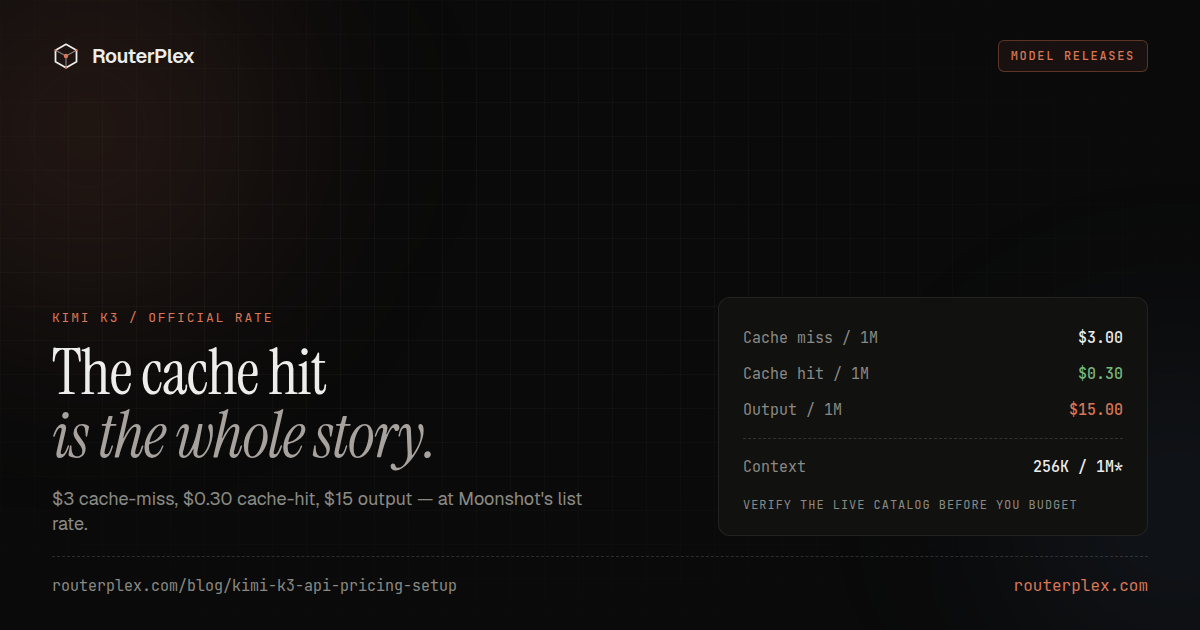
Kimi K3 is Moonshot AI's flagship reasoning model for software engineering, long-horizon agent work, visual understanding and large knowledge tasks. The API model ID is kimi-k3, the context window is 1,048,576 tokens, and the official standard price is $3 per 1M cache-miss input tokens and $15 per 1M output tokens.
Kimi K3 is now available on RouterPlex through the same OpenAI-compatible endpoint used for GPT, Claude, Gemini and the rest of the catalog.
Sources: Moonshot Kimi K3 pricing and Kimi K3 quickstart, checked July 16, 2026. Model capabilities and prices can change.
Kimi K3 API pricing #
| Token category | Official price per 1M tokens |
|---|---|
| Cache-hit input | $0.30 |
| Cache-miss input | $3.00 |
| Output | $15.00 |
Moonshot defines 1M as 1,000,000 tokens for billing. Cache hits cost one tenth of normal input, so repeated long instructions, tool definitions and conversation prefixes can be materially cheaper when the provider reuses the cached prefix.
RouterPlex bills those same Kimi K3 categories at the published rates. A $5 prepaid balance therefore buys roughly 1.67 million cache-miss input tokens, 16.67 million cached input tokens, or 333,333 output tokens if the workload used only one category. Real requests combine input and output.
See the live Kimi K3 API price page for the current RouterPlex catalog rate.
Kimi K3 pricing on OpenRouter vs RouterPlex #
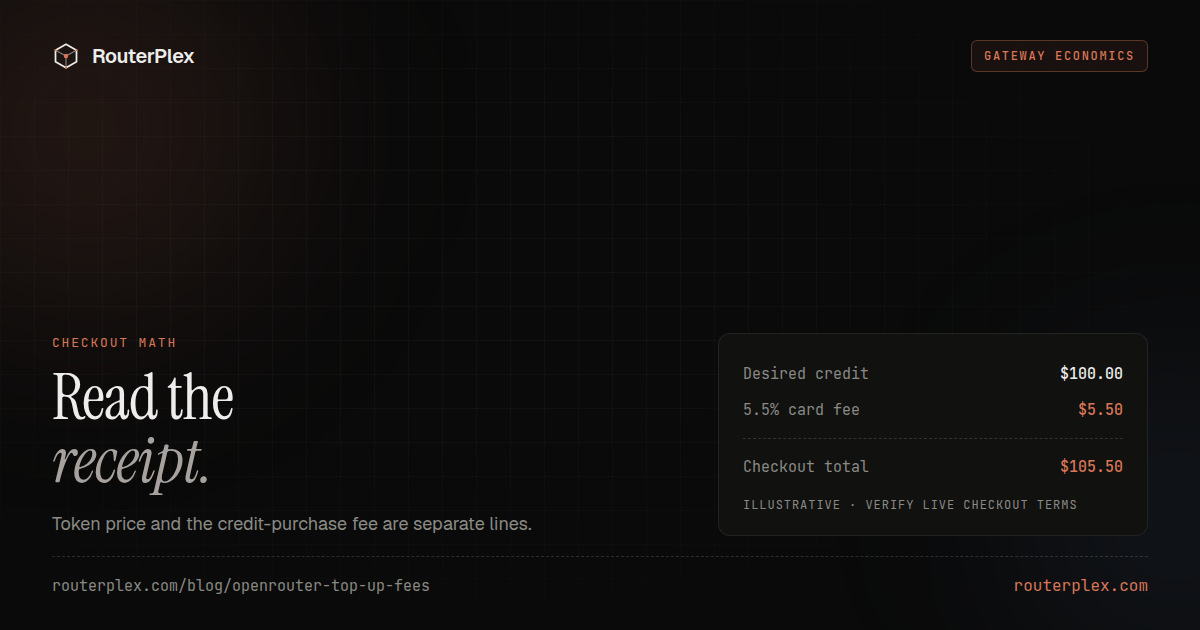
Per-token prices for Kimi K3 are the same on OpenRouter and RouterPlex, because both pass through Moonshot's published rates. The cost difference is the credit purchase fee. Buying $100 of Kimi K3 credit costs $105.50 by card on OpenRouter, or $100 on RouterPlex.
| OpenRouter | RouterPlex | |
|---|---|---|
| Cache-miss input per 1M | $3.00 | $3.00 |
| Cache-hit input per 1M | $0.30 | $0.30 |
| Output per 1M | $15.00 | $15.00 |
| Fee to buy credit by card | 5.5% ($0.80 min) | $0 |
| Fee to buy credit by crypto | 5% | $0 |
| Cost of $100 in credit | $105.50 | $100.00 |
| Unused credit expires | Reserves the right to expire after 365 days | Does not expire |
| Refund window on unused credit | 24 hours from the transaction | On request, at our discretion |
| Balance can go negative | Yes | No |
OpenRouter fees, expiry and refund terms checked July 30, 2026 against its FAQ and terms of service. Terms can change, so confirm at checkout.
The per-token rate is what most comparisons publish, so the two look identical on a price page. The fee applies whenever credit is purchased, which means it scales with how much credit you buy rather than how many tokens you burn. On small top-ups the $0.80 card minimum dominates: $5 of credit costs $5.80, an effective 16%. For the full breakdown, see OpenRouter credits, fees and expiry and the RouterPlex vs OpenRouter comparison.
What Kimi K3 costs on a real workload #
List prices per 1M tokens are hard to reason about. Here is a single agent turn that sends a 40K-token prompt and returns 2K tokens of output, priced three ways depending on how much of the prompt hits Moonshot's cache:
| Cache behaviour | Input cost | Output cost | Total per turn | 1,000 turns |
|---|---|---|---|---|
| No cache (all cache-miss) | $0.120 | $0.030 | $0.150 | $150.00 |
| 75% cached prefix | $0.039 | $0.030 | $0.069 | $69.00 |
| 90% cached prefix | $0.023 | $0.030 | $0.053 | $52.80 |
The arithmetic for the 75% row:
30,000 cached tokens × $0.30/1M = $0.00910,000 uncached tokens × $3.00/1M = $0.0302,000 output tokens × $15.00/1M = $0.030total = $0.069
Two things fall out of this. First, cache design matters more than model choice on Kimi K3 — a well-structured stable prefix cuts the input bill by two thirds, which dwarfs most price differences between comparable models. Keep system prompts, tool definitions and file context in a fixed prefix so the cacheable portion stays byte-identical between turns.
Second, output becomes the dominant cost once caching works. Output is 20% of an uncached turn but 57% of a 90%-cached one. Reasoning models emit a lot of tokens, so once the cache is working, capping max_tokens is a more effective lever than shaving the prompt.
Is there a Kimi K3 subscription? #
No. Kimi K3 API access is billed per token, not by subscription. Kimi's consumer subscription plans cover the Kimi chat app and do not include API keys, so there is no monthly seat cost to add on top of token spend. A prepaid balance is the entire cost of API access.
That matters for budgeting: with no recurring floor, a Kimi K3 workload that runs for one week costs one week of tokens. RouterPlex follows the same model — a prepaid balance, per-key hard budgets, and no subscription tier gating model access.
Kimi K3 specifications #
| Capability | Kimi K3 |
|---|---|
| Model ID | kimi-k3 |
| Context window | 1,048,576 tokens |
| Input | Text and images |
| Reasoning | Always enabled |
| Current reasoning effort | max |
| Tool calling | Supported |
| Structured output | Supported |
| OpenAI-compatible chat API | Yes |
Moonshot describes Kimi K3 as a 2.8-trillion-parameter model built with Kimi Delta Attention and Attention Residuals. Those architecture details matter less operationally than the API behavior: K3 can retain a large working context, inspect images, reason before answering and participate in tool-calling loops.
Call Kimi K3 with RouterPlex #
Create a RouterPlex key, give it a hard budget, and send the standard chat-completions request:
curl https://api.routerplex.com/v1/chat/completions -H "Authorization: Bearer $ROUTERPLEX_API_KEY" -H "Content-Type: application/json" -d '{"model": "kimi-k3","messages": [{"role": "user", "content": "Review this migration plan and identify the highest-risk assumption."}],"reasoning_effort": "max"}'
The equivalent Python setup uses the regular OpenAI client:
import osfrom openai import OpenAIclient = OpenAI(api_key=os.environ["ROUTERPLEX_API_KEY"],base_url="https://api.routerplex.com/v1",)response = client.chat.completions.create(model="kimi-k3",reasoning_effort="max",messages=[{"role": "user", "content": "Design a rollback-safe deployment plan."}],)print(response.choices[0].message.content)
Where Kimi K3 fits #
Kimi K3 is most relevant when a task needs more than a short answer:
- Repository-scale planning with many files and constraints.
- Long-running agents that call multiple tools.
- Large document collections or extended conversation state.
- Visual inspection combined with technical reasoning.
- Structured JSON output for downstream automation.
For a dedicated coding model with a smaller 256K context, Kimi K2.7 Code may still be a useful comparison. Kimi K3 is the broader flagship choice when coding is mixed with research, planning, images or long-context knowledge work.
Kimi K3 API details to watch #
K3 always reasons. Moonshot currently accepts only reasoning_effort="max", although more levels are planned. Streaming responses can expose reasoning and final-answer deltas separately.
For multi-turn tool use, retain the complete assistant message returned by the model. Keeping only the visible text can remove tool-call or reasoning state needed by the next request. Moonshot also notes that its web-search capability is being updated, so do not make a production design depend on that feature without retesting it.
Run a controlled Kimi K3 test #
Start with one narrow workload and a hard key budget. Compare answer quality, latency, cached-token behavior and total cost against the model you currently use.
Create a RouterPlex account, add the minimum $5 balance, and select kimi-k3. You can compare it with GPT-5.6 and Claude Fable 5 through the same endpoint, or scan the OpenAI and Anthropic pricing hubs. Cheaper catalog models than K3 are ranked on the cheapest models ledger.
Common questions
Frequently asked questions
How much does the Kimi K3 API cost?
Moonshot publishes Kimi K3 at $3 per 1M cache-miss input tokens, $0.30 per 1M cache-hit input tokens, and $15 per 1M output tokens. RouterPlex uses the same published rates.
What is the Kimi K3 context window?
Kimi K3 supports a 1,048,576-token context window, commonly described as 1M tokens.
Does Kimi K3 support images?
Yes. Moonshot documents native visual understanding and supports image input in chat messages.
Can Kimi K3 use the OpenAI SDK?
Yes. Kimi K3 is available through OpenAI-compatible chat completions. With RouterPlex, use https://api.routerplex.com/v1 and model ID kimi-k3.
Is Kimi K3 cheaper on OpenRouter or RouterPlex?
Per-token list prices are the same on both, because both pass through Moonshot's published rates. The difference is the credit purchase fee: buying $100 of credit costs $105.50 by card on OpenRouter (5.5%, $0.80 minimum) or $105 by crypto, versus $100 on RouterPlex. Fees were checked July 19, 2026.
What is the cheapest Kimi K3 API?
The cheapest Kimi K3 API is Moonshot's published list: $3 per 1M cache-miss input, $0.30 cache-hit, $15 output. There is no discounted Kimi K3 token SKU. A gateway that passes that list through without a top-up fee (RouterPlex has none) is cheaper on the same tokens than one that adds 5.5%.
Is there a Kimi K3 subscription plan for API access?
No. Kimi's consumer subscriptions cover the Kimi chat app, not API keys. Kimi K3 API access is billed per token with no monthly seat fee, so a prepaid balance is the whole cost. RouterPlex works the same way: pay per token from a prepaid balance, no subscription.
Run the smallest paid test.
Add $5, cap the key, and verify the result with your own workload. No subscription, and credit never expires — a first top-up of $25+ is matched with $25 extra.