Aider OpenAI-Compatible API Setup with RouterPlex
Point Aider at RouterPlex with OPENAI_API_BASE, choose Claude or GPT through the openai/ model prefix, and protect the coding session with a key budget.
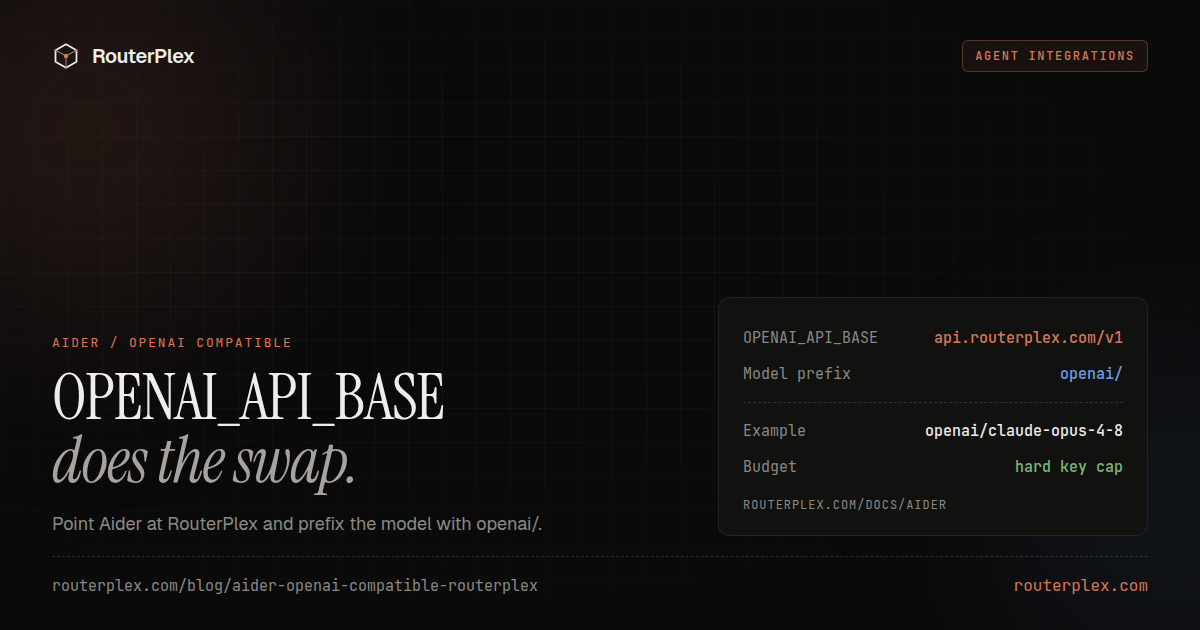
Aider works with RouterPlex through its OpenAI-compatible API support. Set the API base and key, then use an openai/-prefixed RouterPlex model ID when launching Aider.
The adapter pattern follows Aider's OpenAI-compatible API documentation, checked July 15, 2026.
Quick setup #
Create a dedicated RouterPlex key for Aider and export these variables:
export OPENAI_API_BASE="https://api.routerplex.com/v1"export OPENAI_API_KEY="sk-..."aider --model openai/claude-opus-4-8
The openai/ prefix tells Aider which API format to use. RouterPlex receives the part after the slash as the model ID.
You can switch to another model without changing the endpoint:
aider --model openai/gpt-5.5aider --model openai/gemini-3.5-flash
Use an ID from the current RouterPlex model catalog.
Persist the configuration #
Add the settings to ~/.aider.conf.yml:
openai-api-base: https://api.routerplex.com/v1openai-api-key: sk-...model: openai/claude-opus-4-8weak-model: openai/claude-haiku-4-5
Prefer an environment variable or local secret mechanism for the key. Do not commit a live credential into a repository.
The weak model handles lower-stakes work and can reduce cost, while the primary model remains available for the main coding task.
Set a server-side budget #
Aider sessions can become expensive when a large repository is repeatedly mapped or a task needs many edit/test cycles.
Create a key named after the repository and cap it at the most you are willing to spend during the session. The budget remains effective even if Aider retries or a local cost estimate is wrong.
Optionally allowlist only the primary and weak model. This prevents an accidental configuration change from selecting a more expensive model.
Verify the route #
Start Aider in a small repository and ask for a read-only task:
/ask Explain the project structure without editing files.
Then check the RouterPlex dashboard for the key, model, token count, and cost.
Common Aider errors #
Unknown model
Confirm that the command uses openai/routerplex-model-id and that the part after openai/ exactly matches the RouterPlex catalog.
Authentication error
Make sure OPENAI_API_KEY is exported in the shell that launches Aider. A terminal, IDE task, and container can each have different environments.
Requests go to api.openai.com
Check OPENAI_API_BASE or openai-api-base. It must point to https://api.routerplex.com/v1.
Repository map costs too much
Use a lower-cost weak model, narrow the task, and set a smaller RouterPlex key budget while tuning the workflow.
See the concise Aider integration reference, or start with $5 and run one budget-capped coding session.
Common questions
Frequently asked questions
How does Aider use an OpenAI-compatible API?
Set OPENAI_API_BASE and OPENAI_API_KEY, then prefix the selected RouterPlex model ID with openai/ so Aider uses the OpenAI wire format.
Why does the Aider model need an openai/ prefix?
The prefix selects the API adapter. The text after the slash remains the exact model ID RouterPlex receives.
Can Aider use a cheaper model for secondary work?
Yes. Configure a weak-model separately and keep both models within the RouterPlex key's allowlist and budget.
Run the smallest paid test.
Add $5, cap the key, and verify the result with your own workload. No subscription, and credit never expires — a first top-up of $25+ is matched with $25 extra.