Codex CLI Custom Provider with RouterPlex (Responses API)
Point Codex CLI at a custom provider with wire_api = responses. RouterPlex speaks the Responses API Codex uses; chat completions is the wrong adapter.
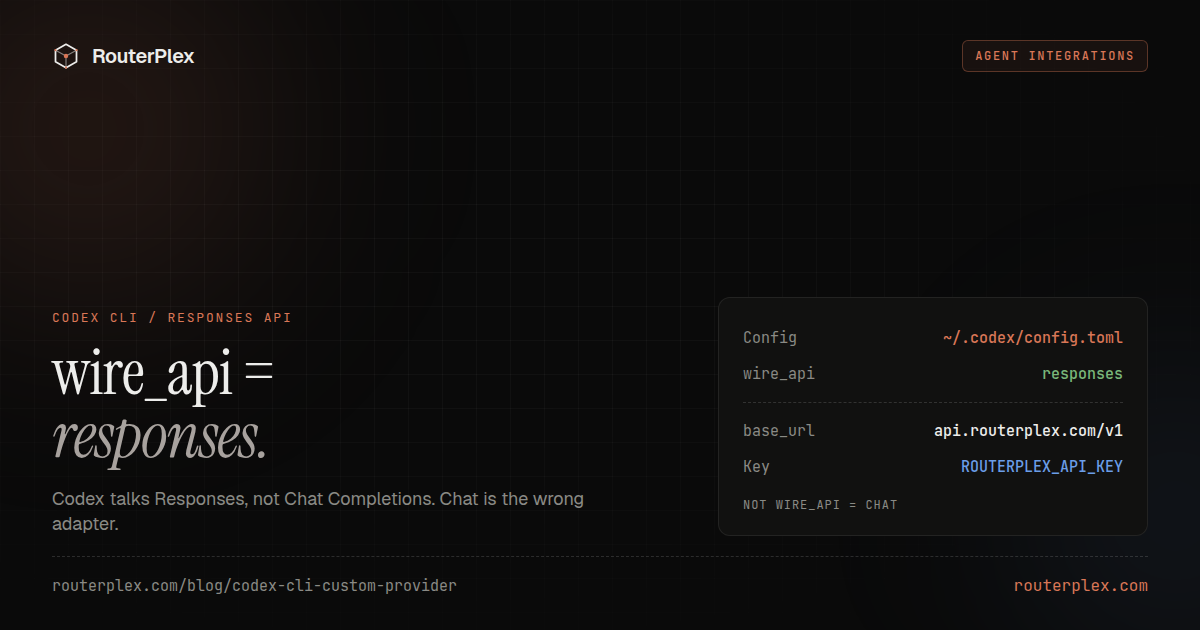
Codex CLI can use a custom model provider. Most tutorials tell you to point it at an OpenAI-compatible Chat Completions base URL. That is the wrong wire format for Codex.
Codex talks the Responses API to custom providers. RouterPlex supports that route. Set wire_api = "responses" and Codex can call GPT, Claude, Gemini, and the rest of the catalog from one prepaid key.
Codex's custom-provider config follows OpenAI's Codex CLI documentation, checked 8 September 2026. If a flag is renamed in a later CLI, the ~/.codex/config.toml keys in codex --help win.
Why Responses, not Chat Completions #
| Client | Wire format RouterPlex should use |
|---|---|
| Codex CLI / Codex VS Code | wire_api = "responses" → /v1/responses |
| Cursor, Cline, Aider, OpenCode, most OpenAI SDKs | Chat Completions at https://api.routerplex.com/v1 |
Competitors' "custom OpenAI base URL" pages copy the Chat Completions recipe into Codex and then debug the format error. Skip that. RouterPlex already exposes Responses for this client.
The short reference is the Codex CLI docs. This page is the full config, the failure modes, and the budget.
1. Create a Codex-only key #
In the dashboard, create a key named codex-cli with a hard $5 or $10 budget. Codex will make tool calls and follow-ups from one instruction. The budget is the hard stop if a loop runs long.
Do not put this key in config.toml or a gitignored file you will later commit by accident. Use an environment variable.
2. Write ~/.codex/config.toml #
The leading dot is required. User-level config:
# ~/.codex/config.tomlmodel_provider = "routerplex"model = "gpt-5.6-sol"[model_providers.routerplex]name = "RouterPlex"base_url = "https://api.routerplex.com/v1"wire_api = "responses"env_key = "ROUTERPLEX_API_KEY"env_key_instructions = "Set ROUTERPLEX_API_KEY before starting Codex."
gpt-5.6-sol is a practical starting model for coding work. Copy any other ID from the catalog.
Using the Codex VS Code extension instead of the terminal? It edits this same file. See Codex — VS Code extension.
3. Export the key and start Codex #
export ROUTERPLEX_API_KEY="sk-..."codex
env_key tells Codex to read ROUTERPLEX_API_KEY and send it as bearer auth. Restart Codex after changing the TOML or the variable. A terminal, an IDE task, and a tmux pane can each have a different environment.
4. Verify the route #
Start Codex in a small directory and ask for a read-only task. Then open the RouterPlex usage page for that key and confirm:
- The request used the dedicated Codex key.
- The model ID is the one in
config.toml(or--model). - Token count and cost match a short prompt, not a hidden tool storm.
- Remaining key budget dropped.
If the dashboard is empty, Codex never left the machine — wrong base_url, missing env var, or a different config file than you edited.
Switch models without a new provider #
Keep one [model_providers.routerplex] block. Change the model ID:
codex --model claude-opus-4-8codex exec --model gemini-3.5-flash "summarize this repository"
For repeatable presets, add profile files next to config.toml:
# ~/.codex/routerplex-opus.config.tomlmodel = "claude-opus-4-8"model_reasoning_effort = "high"
codex --profile routerplex-opus
Do not add [model_providers.routerplex-opus] unless the base URL or auth method actually changes. The model ID changes; the provider does not.
Troubleshooting #
Unsupported API format / invalid request body
wire_api is missing or set to "chat". Set wire_api = "responses" and restart Codex. This is the number-one copy-paste failure from Chat Completions tutorials.
Authentication failed / missing API key
In the same shell, run printenv ROUTERPLEX_API_KEY. It should show that the variable exists. Do not paste the value into logs. Confirm env_key = "ROUTERPLEX_API_KEY" matches the variable name exactly.
Model not found
Copy the case-sensitive ID from the live catalog. gpt-5.6-sol is not gpt-5.6. Restart Codex after editing model.
Config file not found
The path is ~/.codex/config.toml, not ~/codex/config.toml. Create the directory if needed: mkdir -p ~/.codex.
Requests still hit api.openai.com
model_provider = "routerplex" is missing or Codex is using a profile that does not set it. Check codex is the CLI you think it is (which codex).
402 / insufficient credit
Prepaid balance or the key budget is at $0. RouterPlex does not overdraft. Top up or raise the Codex key budget, then retry one short codex exec. Blind retries on a billing error only burn whatever you just added.
Costs higher than the prompt suggested
Codex runs tools. One "fix this test" instruction can be many model calls. That is why the key budget exists. Start at $5, read the usage row, then raise it.
A practical Codex key policy #
- One key named for Codex, not shared with Cursor or production.
wire_api = "responses"in the provider block, always.- Key in
ROUTERPLEX_API_KEY, never in the TOML. - Exact catalog IDs.
- A small hard budget until the first dashboard row looks right.
For the IDE equivalent of a custom base URL, see Override OpenAI Base URL in Cursor. For a Git-diff workflow, see Aider OpenAI-compatible setup. Cheap routes for agent loops are ranked on the cheapest models ledger.
Create a $5 RouterPlex account, export ROUTERPLEX_API_KEY, and run one budget-capped codex exec before you point it at a real repository.
Common questions
Frequently asked questions
How do I add a custom provider to Codex CLI?
Create ~/.codex/config.toml, set model_provider to a named block, point base_url at https://api.routerplex.com/v1, set wire_api = "responses", and load the key from ROUTERPLEX_API_KEY.
What wire_api should Codex use with RouterPlex?
Use wire_api = "responses". Codex talks the Responses API to custom providers. Chat Completions (wire_api = "chat") is the wrong adapter and is the usual cause of format errors.
Why does wire_api = "chat" fail?
Codex's custom-provider path is Responses-first. RouterPlex accepts /v1/responses for Codex. Forcing chat sends a Chat Completions body to a client that is not expecting that wire format.
Where is the Codex CLI config file?
User-level config is ~/.codex/config.toml. The leading dot is required. The Codex VS Code extension edits the same file from its settings UI.
Can Codex CLI use Claude or Gemini through RouterPlex?
Yes. Keep the same RouterPlex provider block and change the model ID to a catalog id such as claude-opus-4-8 or gemini-3.5-flash. Restart Codex or pass --model.
How do I set the Codex API key without putting it in config.toml?
Set env_key = "ROUTERPLEX_API_KEY" in the provider block and export that variable in the shell that starts Codex. Do not commit the key into the TOML file.
Run the smallest paid test.
Add $5, cap the key, and verify the result with your own workload. No subscription, and credit never expires — a first top-up of $25+ is matched with $25 extra.