Override OpenAI Base URL in Cursor with RouterPlex
Cursor Override OpenAI Base URL not working? Fix the /v1 path, blocked localhost, HTTP/2 stalls and the 3.15 input bug, then verify with one test prompt.
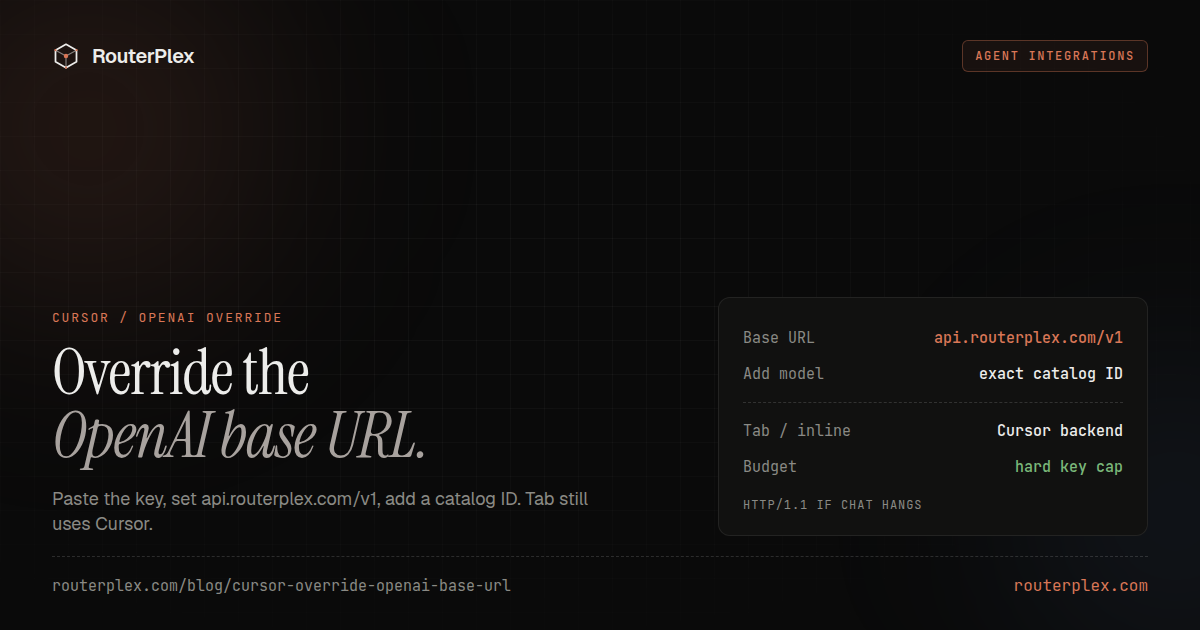
Cursor can send chat and agent requests through a custom OpenAI-compatible endpoint. The setting is Override OpenAI Base URL. Point it at RouterPlex and the same Cursor UI can call Claude, GPT, Gemini, Kimi, and the rest of the catalog from one prepaid key.
This page is the Cursor walkthrough: the current Models UI, the exact base URL, the models that still ignore the override, and the bugs that look like a bad key. It is not a generic "bring your own key" list.
Cursor's Models UI, HTTP Compatibility Mode, and known override bugs were checked against Cursor forum reports and the 3.15.x release notes on 8 September 2026. Cursor changes this screen often. If a label differs, trust the Models page in your build over a screenshot.
What the override actually does #
Cursor has two model paths:
| Path | Uses your custom base URL | Notes |
|---|---|---|
| Chat, Agent, and models you add under Models | Yes, when Override OpenAI Base URL is on | This is the path this page configures |
| Tab / inline completion | No | Stays on Cursor's backend even after a successful override |
| Cursor-managed models | Only while the override is on | The override is global. Toggle it off to use those models again |
If you turned on the override to "use Claude in Cursor" and Tab still feels like Cursor's default model, that is expected. Do not chase that in the API key.
1. Create a Cursor-only key #
Do not reuse a production application key. In the RouterPlex dashboard, create a key named cursor and set a hard budget — $5 or $10 for the first test.
Cursor will retry, run tools, and keep a chat history. The budget is the hard stop if a loop misbehaves. Optionally allowlist the model IDs you plan to add, so an accidental model string cannot wander onto a flagship rate.
2. Open Cursor Models settings #
- Press
Cmd+Shift+Jon macOS orCtrl+Shift+Jon Windows/Linux (Cursor Settings). - Open Models.
- Paste the RouterPlex key into the OpenAI API Key field. Cursor still labels this "OpenAI" even when the base URL is not api.openai.com.
- Enable Override OpenAI Base URL.
- Set the URL to:
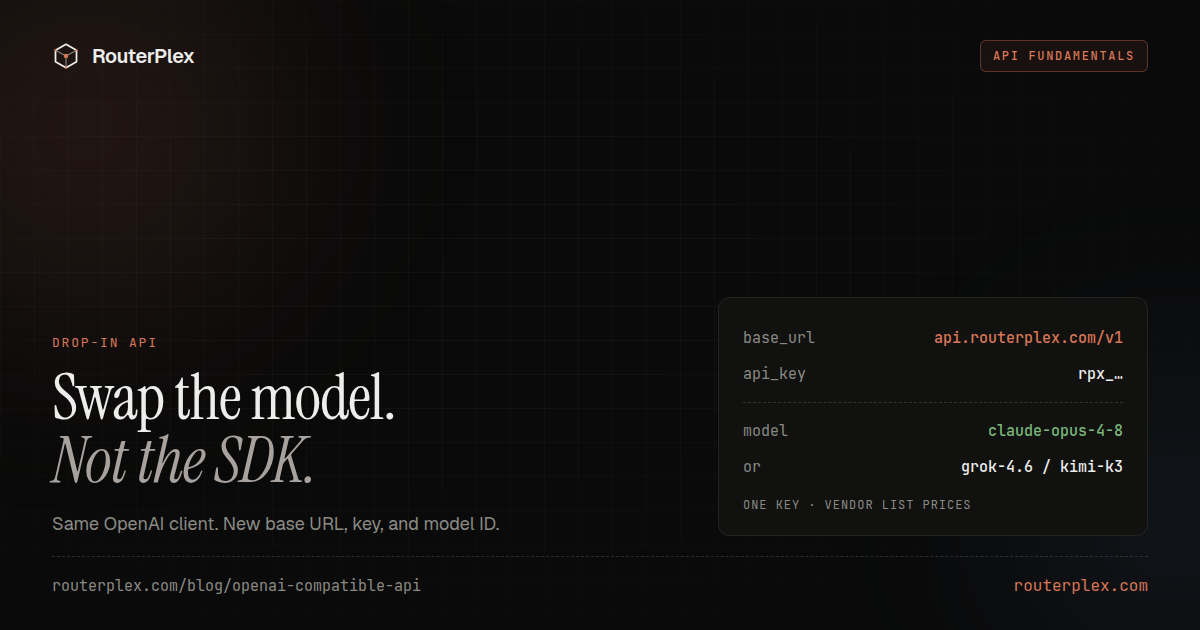
https://api.routerplex.com/v1
Do not append /chat/completions. Do not use https://routerplex.com (that is the dashboard). Do not add a trailing slash if Cursor then doubles the path.
If the override toggle is missing, you are probably on a plan that does not include custom OpenAI keys. That is a Cursor billing question, not a RouterPlex one.
3. Add a catalog model ID #
Click Add model and type an exact RouterPlex catalog ID, not a display name.
Examples that work today:
| What you want | Model ID to paste |
|---|---|
| Cheap OpenAI chat | gpt-5.6-luna |
| Flagship OpenAI | gpt-6-astra |
| Claude for coding | claude-sonnet-4-6 or claude-sonnet-5 |
| Cheapest Anthropic chat | claude-haiku-4-5 |
Copy the ID from the model catalog or the OpenAI / Anthropic hubs. "Claude Sonnet" and "GPT-5" are labels. Cursor sends the Model ID field as the model string.
Enable only the custom models you added, then pick one from the chat model dropdown.
4. Verify the route #
Use Cursor's Verify action on the model, then send a bounded chat prompt in a throwaway file:
Reply with the single word pong. Do not edit any files.
Then check the RouterPlex usage page for that key:
- A request landed on the dedicated Cursor key, not some other key.
- The model ID matches what you added.
- Token counts and cost are plausible for a one-word reply.
- Remaining key budget dropped by that amount.
If Verify fails but the dashboard shows a 200, Cursor is looking at a different field than the request that succeeded. Re-copy the base URL and model ID, then Verify again.
Cursor gotchas that waste an afternoon #
Tab still uses Cursor's models
The override does not take over Tab, inline edits, or other Cursor-backend features. Chat and Agent on a model you added are the test. If those work, the override is working.
The override is global
With Override OpenAI Base URL on, OpenAI-format requests go to RouterPlex. Cursor-managed models that expect Cursor's own proxy will fail or look empty. Toggle the override off when you want those models back. Do not keep two mental models of "which OpenAI" in one session.
HTTP Compatibility Mode: HTTP/1.1
If chat hangs, resets, or throws an HTTP/2 protocol error, open the OpenAI settings in Cursor and set HTTP Compatibility Mode to HTTP/1.1. Several Cursor versions negotiate HTTP/2 in a way custom endpoints reject. RouterPlex will accept the HTTP/1.1 session.
Cursor 3.15 cannot type in the base URL field
Cursor 3.15 builds before 3.15.20 had a focus bug (reported from 3.15.6): the Override OpenAI Base URL field looked focused and ate keystrokes. Workarounds: press Tab into the field, paste from the context menu, or update to 3.15.20 or later. A "URL will not accept input" report is this bug, not an invalid character in https://api.routerplex.com/v1.
Localhost is blocked ("Access to private networks is forbidden")
Cursor sends custom-endpoint requests from its own servers, not from your machine. So http://localhost, 127.0.0.1 and other private addresses fail, usually with an error like *"Access to private networks is forbidden"*. Cursor refuses them as the override URL. A local LiteLLM or CCR gateway on 127.0.0.1 will not work here. Use a public HTTPS endpoint. RouterPlex is already that endpoint; you do not need a local proxy in front of it for Cursor.
Pro is often required
Hobby/free Cursor builds frequently hide custom OpenAI keys. If you cannot see the override, check Cursor's current plan matrix before rotating RouterPlex keys.
Troubleshooting #
Invalid API key / 401
Create a fresh RouterPlex key and paste it into the OpenAI API Key slot, not an Anthropic or Google slot. Confirm there is no leading space. Rotate the key if it appeared in a screenshot or a committed settings export.
Model not found / 404
The ID in Add model must match the catalog exactly, including dots and hyphens (gpt-5.6-luna, claude-sonnet-4-6). IDs from another gateway are not portable.
Connection error / failed to fetch
Base URL must be https://api.routerplex.com/v1. Switch HTTP Compatibility Mode to HTTP/1.1. Disable a VPN or corporate proxy that intercepts TLS if the dashboard works in a browser but Cursor does not.
402 / insufficient credit
The prepaid balance or the key budget is exhausted. RouterPlex stops at $0 instead of going negative. Top up or raise that key's budget, then retry one Verify. See the OpenRouter 402 recovery pattern for why you should not retry-storm a billing error.
Requests show up on the wrong key
Cursor stored an older OpenAI key. Clear the OpenAI API Key field, paste the dedicated Cursor key, Verify, and confirm the dashboard row.
A practical Cursor key policy #
- One RouterPlex key named for Cursor, not shared with production.
- A small hard budget until Verify and one real edit succeed.
- Exact catalog IDs, not display names.
- Override off when you need Cursor-managed models.
- Rotate the key if it lands in a committed Cursor settings file.
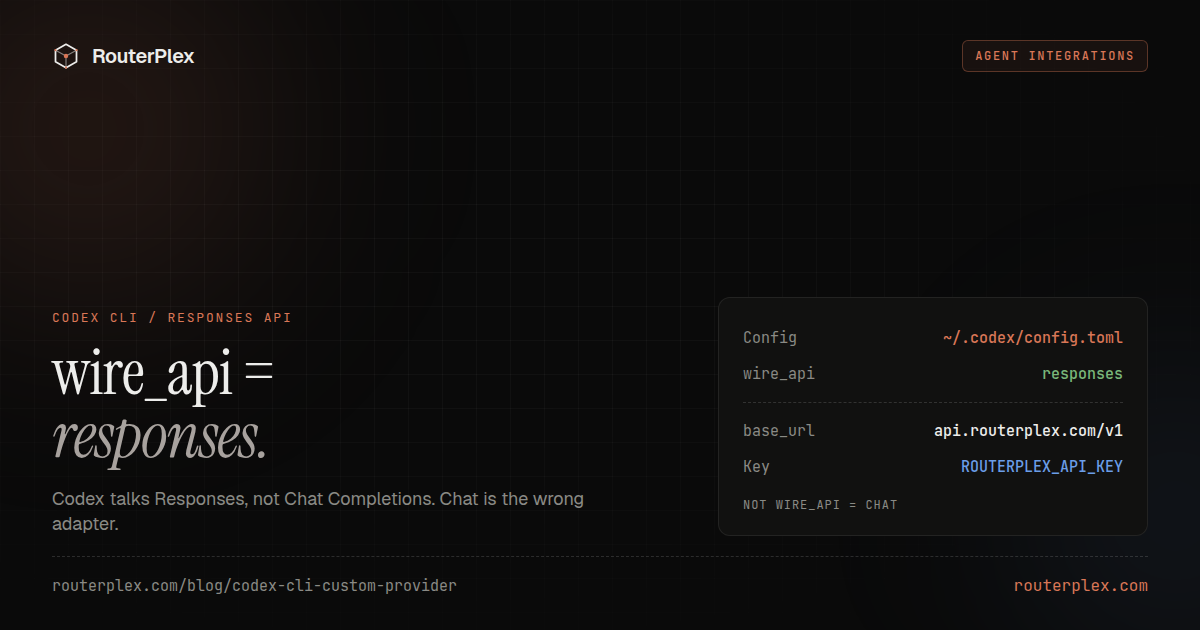
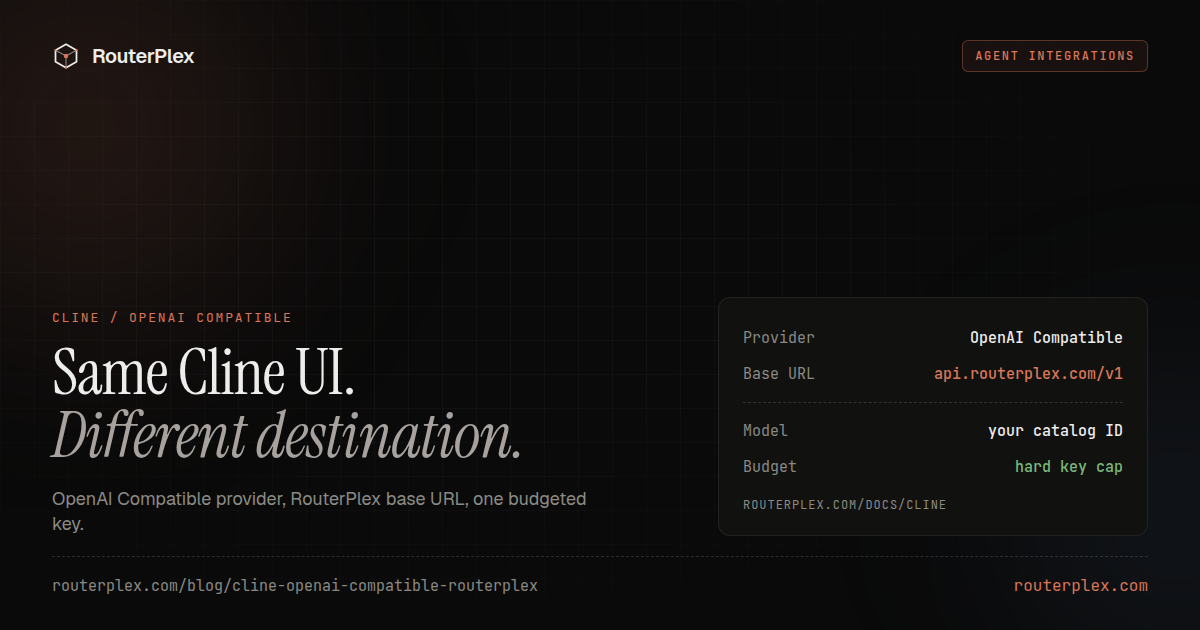
The short reference lives in the Cursor docs. For a terminal agent instead of the IDE, see Codex CLI custom provider or Cline OpenAI-compatible setup.
Create a $5 RouterPlex account, cap the Cursor key, and Verify one model before you let Agent touch a real repository.
Common questions
Frequently asked questions
How do I override the OpenAI base URL in Cursor?
Open Cursor Settings with Cmd/Ctrl+Shift+J, go to Models, paste a RouterPlex key into the OpenAI API Key field, enable Override OpenAI Base URL, set it to https://api.routerplex.com/v1, then Add model with an exact catalog ID and click Verify.
Why is Cursor override OpenAI base URL not working?
Usual causes: a URL missing /v1, a localhost or private address (Cursor blocks those), HTTP/2 stalls (set HTTP Compatibility Mode to HTTP/1.1), the 3.15 focus bug (fixed in 3.15.20) that swallows keystrokes, or a model ID that is not on the catalog. Verify the model, then check RouterPlex usage for that key.
What base URL should I use for RouterPlex in Cursor?
Use https://api.routerplex.com/v1. Do not append /chat/completions and do not use the dashboard URL. Cursor adds the chat-completions path itself.
Why does Cursor Tab still use Cursor models after a custom base URL?
The OpenAI override applies to chat and agent models you add. Tab and inline completion stay on Cursor's own backend. That is expected, not a misconfigured key.
Does Override OpenAI Base URL apply to all Cursor models?
Yes. When the override is on, it is global for OpenAI-format requests. Turn it off if you need a Cursor-managed model that should not go through the custom endpoint.
Why can't I type in the Override OpenAI Base URL field?
Cursor 3.15 builds before 3.15.20 (reported from 3.15.6) had a focus bug that swallowed keystrokes in that field. Tab into the field, or update to 3.15.20 or later.
Does Cursor require Pro for a custom OpenAI base URL?
Custom OpenAI keys and the base-URL override are typically a Cursor Pro feature. If the override toggle is missing, check the current plan and the Models settings page, not the gateway.
Can Cursor use a localhost gateway?
Usually no. Cursor sends these requests from its own servers, not from your machine, so localhost and private addresses fail with an error like "Access to private networks is forbidden". Use a public HTTPS endpoint such as https://api.routerplex.com/v1.
Should I set HTTP Compatibility Mode?
If requests stall or fail with HTTP/2 errors, set HTTP Compatibility Mode to HTTP/1.1 in Cursor's OpenAI settings. RouterPlex accepts both; the client setting is the one that breaks.
Run the smallest paid test.
Add $5, cap the key, and verify the result with your own workload. No subscription, and credit never expires — a first top-up of $25+ is matched with $25 extra.