Claude Code Alternatives (2026): 8 Coding Agents Compared
OpenCode is the closest Claude Code alternative for terminal work. Compare 8 agents on interface, models, open source, and how you pay.
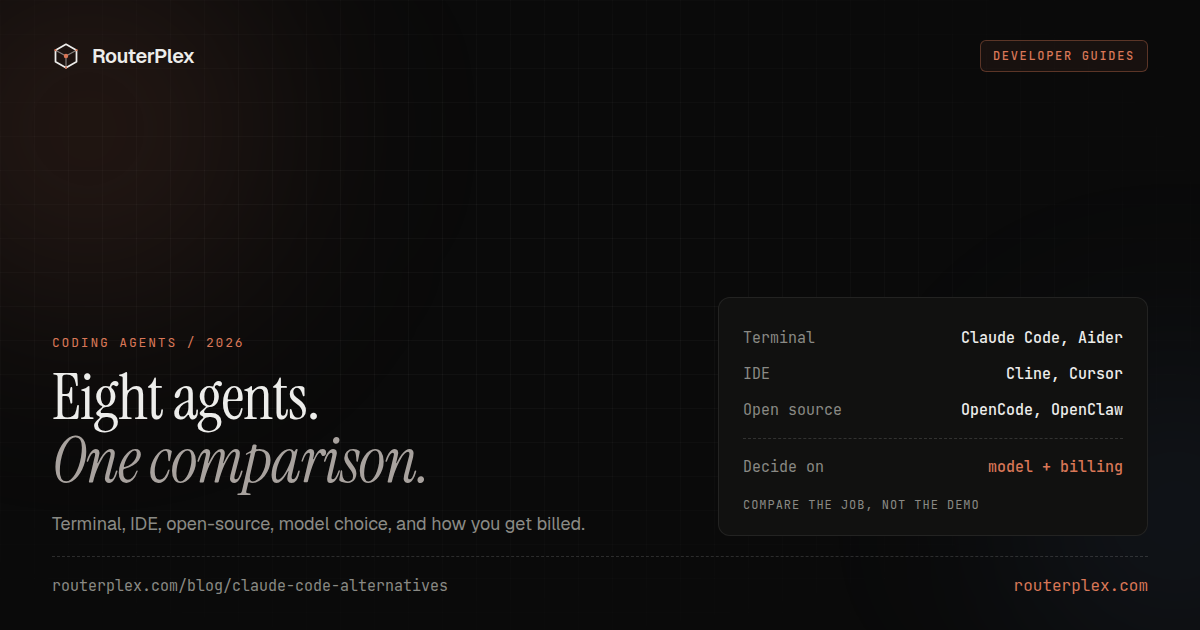
If you want another terminal coding agent, start with OpenCode. If you want the same job inside VS Code, start with Cline. If Claude Code's interface is fine and the problem is the model or the bill, do not switch agents — point Claude Code at a gateway instead.
A Claude Code alternative is a tool that reads a repo, proposes edits, and runs commands. Compare four things: where it runs, how much autonomy it has, which models it supports, and how you pay for inference. This page does not treat an API gateway as a coding agent. RouterPlex can supply models to these tools; the agent still owns the files, the shell, and the review loop.
Product behavior was checked against each project's official documentation on August 20, 2026. Licenses, free quotas, subscription prices, and model support change. Re-check before you migrate a real repo.
Quick pick #
| You want | Start here | Skip if |
|---|---|---|
| A terminal agent that is not locked to Anthropic | OpenCode | You need a polished desktop IDE more than a CLI |
| The Claude Code loop inside VS Code | Cline | You refuse to approve file and shell actions |
| To stay on OpenAI's stack | Codex CLI | You need first-class non-OpenAI models |
| Explicit Git diffs, not an autonomous loop | Aider | You want the agent to roam the repo unattended |
| To keep Claude Code itself | Direct gateway, not a new agent | The UI or approval model is the actual problem |
Claude Code alternatives at a glance #
| Tool | Interface | Open source | Model flexibility | Best fit |
|---|---|---|---|---|
| OpenCode | Terminal and desktop | Yes | Broad providers and custom endpoints | Closest terminal substitute |
| OpenAI Codex CLI | Terminal | Partial | OpenAI-centered, configurable providers | Teams already on OpenAI |
| Gemini CLI | Terminal | Yes | Gemini-first, MCP and extensions | Google Cloud / Gemini access |
| Aider | Terminal | Yes | Many providers, OpenAI-compatible routes | Git-aware pair programming |
| Cline | VS Code | Yes | Native providers and OpenAI-compatible endpoints | Approval-driven editor agent |
| Roo Code | VS Code | Yes | Per-mode models and instructions | Architect / Code / Debug splits |
| Cursor | Desktop IDE | No | Bundled models plus some custom keys | Inline completion and IDE polish |
| Continue | VS Code and JetBrains | Yes | Configurable chat, edit, autocomplete | Teams assembling their own assistant |
1. OpenCode #
OpenCode is the closest Claude Code alternative if the job is "terminal agent, any model." It runs in the terminal, as a desktop app, and as an IDE extension. It supports multiple providers, custom provider configuration, project instructions, tools, and interactive sessions.
Use it when provider choice matters and you are willing to configure the model layer. Skip it when you want Cursor-style inline completion more than an agent loop.
RouterPlex works as a custom OpenAI-compatible provider. The full configuration is in the OpenCode custom provider guide.
2. OpenAI Codex CLI #
Codex CLI is OpenAI's terminal coding agent. It inspects repositories, edits files, and runs commands under configurable approval and sandbox policies.
Use it when the org already pays for OpenAI accounts and developer tooling. Skip it when the reason you left Claude Code was vendor lock-in — Codex is a different lock-in.
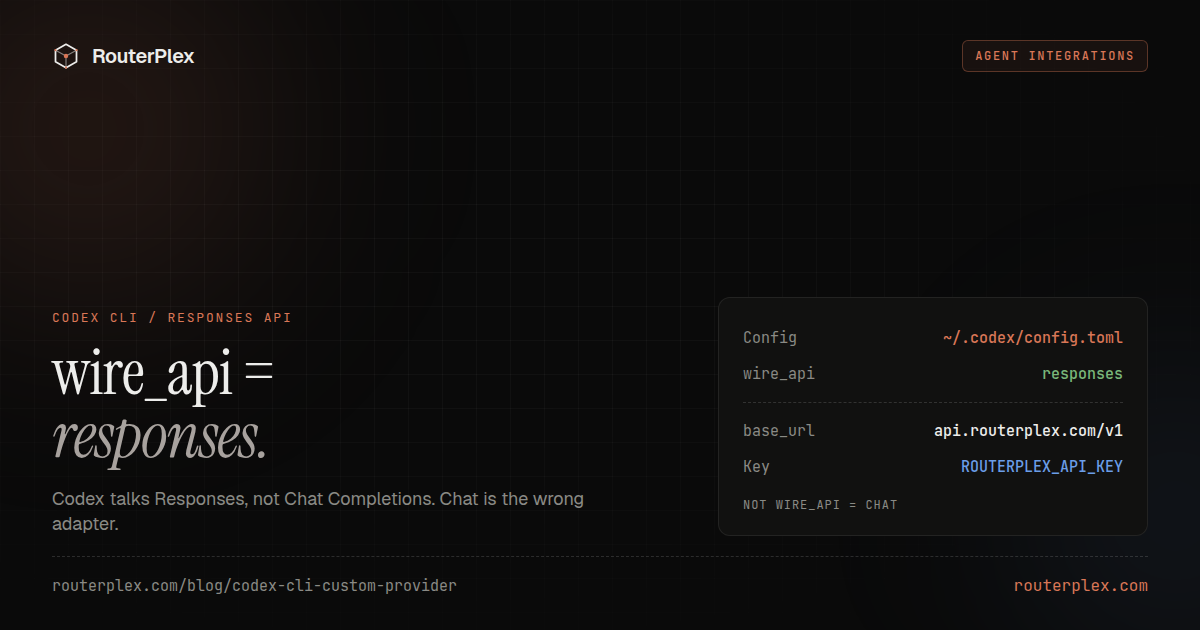
Codex CLI can still use a custom provider. The adapter that actually works is the Responses API (wire_api = "responses"), not Chat Completions. Full config: Codex CLI custom provider.
Compare it with Claude Code on the same repository task. Agent behavior and model stack are not interchangeable with a benchmark screenshot.
3. Gemini CLI #
Gemini CLI is Google's open-source terminal agent. It wires Gemini models, tools, MCP servers, and project context into a command-line workflow.
Use it when Gemini access, Google Cloud integration, or an open-source terminal surface is the point. Skip it when you need a model-agnostic agent; this one is Gemini-first.
Check the current free and paid quotas before assuming a daily coding workflow stays free at production volume.
4. Aider #
Aider is a mature terminal pair-programming tool with Git-aware edits, repository maps, and broad model support.
Aider is less opaque than a fully autonomous agent: you choose the files and model, see diffs, and keep normal Git history. That is the point.
Use it when you want control over each change. Skip it when you want an agent to roam the repo and open PRs with less supervision.
RouterPlex can supply an OpenAI-compatible model route. See the Aider setup guide.
5. Cline #
Cline is an open-source coding agent for VS Code. It proposes file edits and terminal commands inside the editor, with approval controls that make the action boundary visible.
Use it when you want Claude Code-like agency without leaving VS Code. Skip it when you want a headless terminal agent or a full IDE replacement.
It accepts OpenAI-compatible endpoints, so one gateway key can expose several model families. See the Cline OpenAI-compatible setup.
6. Roo Code #
Roo Code is a VS Code agent with configurable modes such as Architect, Code, and Debug. Different modes can use different instructions and models.
That split is useful for spend control. A cheaper model can plan; a stronger model can edit. Give each mode its own gateway key if you need independent cost attribution.
Use it when you want role-based agent modes. Skip it when one Cline-style loop is enough and extra modes would just add configuration.
7. Cursor #
Cursor is an AI-first code editor, not a terminal agent. Its strengths are editor integration, inline completion, chat, and multi-file edits in a polished desktop workflow.
Use it when the IDE experience is the product you want. Skip it when the reason you searched for a Claude Code alternative was provider freedom or prepaid API billing — custom API support varies by model and Cursor plan.
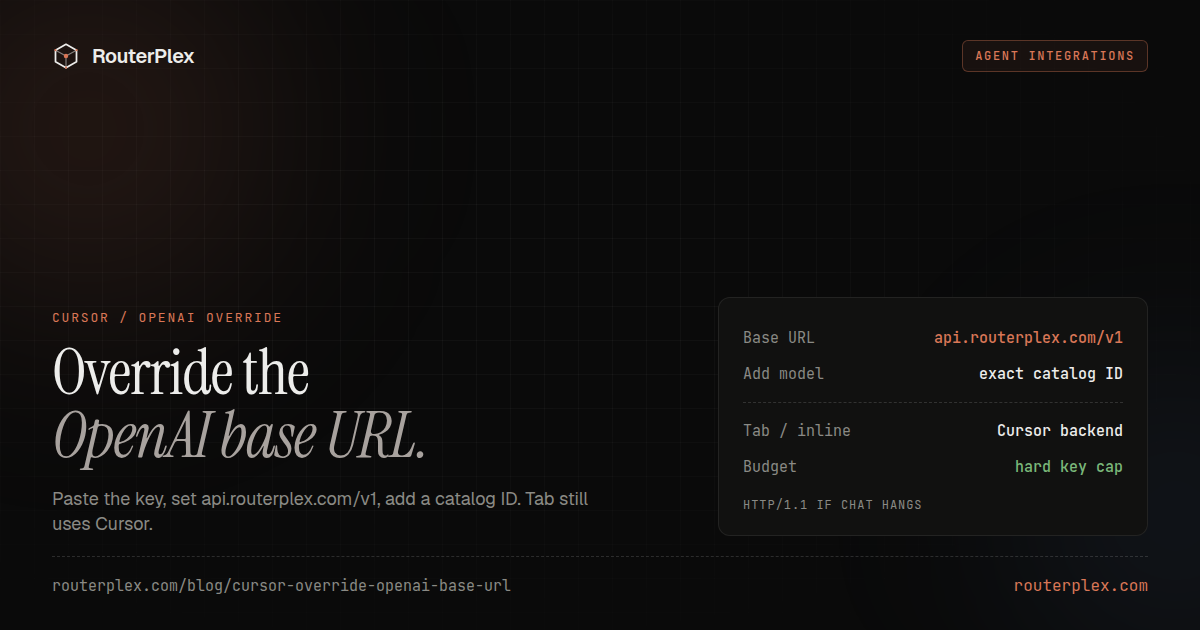
Cursor can override the OpenAI base URL and send chat models through a custom endpoint. That walkthrough is Override OpenAI Base URL in Cursor. Tab and inline completion still use Cursor's own backend even after the override.
8. Continue #
Continue provides open-source extensions for VS Code and JetBrains with configurable chat, edit, autocomplete, embeddings, and reranking models.
Use it when you want to assemble a team-specific assistant. Skip it when you want a single agent that already owns the planning-and-patch loop.
The extra configuration buys control and creates more parts to maintain.
Free does not mean inference is free #
"Free Claude Code alternative" usually describes the agent license, not the model bill. OpenCode, Aider, Gemini CLI, Cline, Roo Code, and Continue can be used without paying the tool vendor. The model still runs somewhere:
- A direct provider API key.
- A hosted gateway balance.
- A tool subscription that bundles model access.
- Local hardware and electricity.
- A provider's limited free quota.
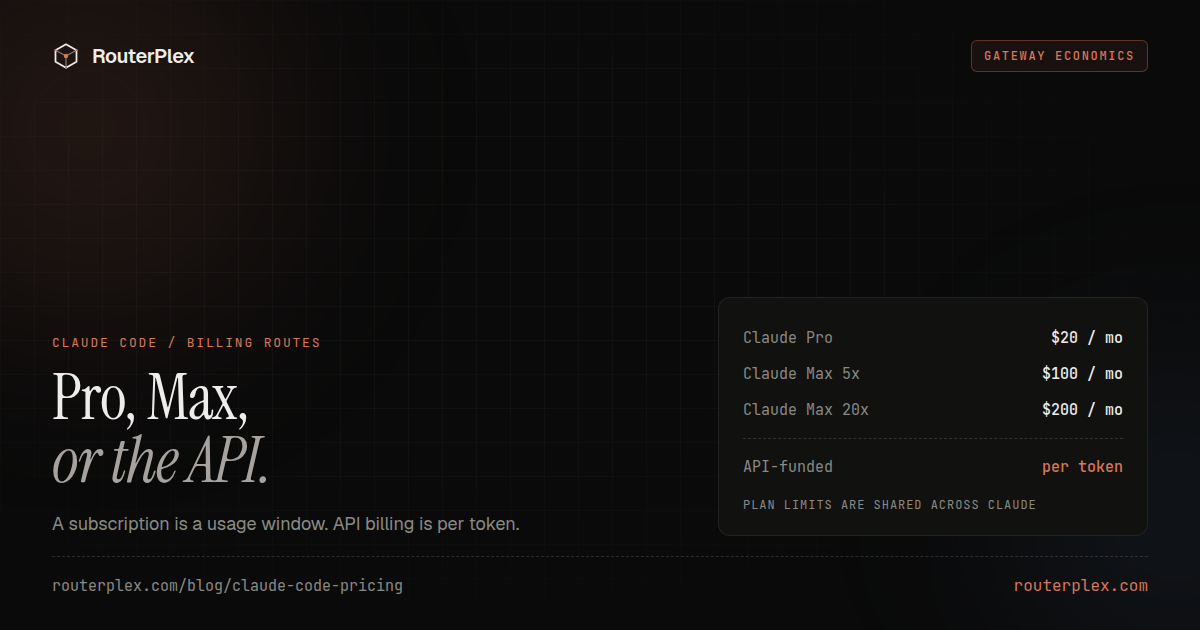
A free editor extension calling Opus is not a free coding setup. Separate the agent license from inference before you compare prices. Claude Code's own plan prices are the baseline for that comparison.
Keep Claude Code, or switch agents? #
Those are different jobs.
- Keep Claude Code when you like the harness and only need another model or a prepaid bill. Set
ANTHROPIC_BASE_URLon an Anthropic-compatible gateway. The RouterPlex walkthrough is the Claude Code docs page. - Add Claude Code Router (CCR) only when you want a *local* control plane in front of Claude Code — multiple upstreams, conditional routes, or Ollama fallbacks. That is a different product: Claude Code Router setup.
- Switch agents when the UI, approval model, Git workflow, or extensibility is the actual problem. OpenCode and Cline are the usual shortlist.
OpenClaw is not on this list on purpose. It is an autonomous agent, not a Claude Code substitute for "open a repo and patch it." If that is the job, see OpenClaw custom provider setup.
How to choose #
Pick two finalists. Run one representative repository task. Score:
- Correctness of the final change.
- Review time, not just generation time.
- Number of unnecessary file or command requests.
- Quality of the diff and commit boundaries.
- Model and provider flexibility.
- Actual billed cost.
- Recovery after a failed command or rejected edit.
Do not move every repository at once. Keep the tool that produces the smallest correct, reviewable change under your preferred approval model.
If you want one prepaid model balance for Claude Code, OpenCode, Cline, or Aider, start a $5 RouterPlex test and give each tool a separate hard-budget key.
Common questions
Frequently asked questions
What is the closest Claude Code alternative?
OpenCode is the closest terminal-first alternative if you want Claude Code's job with any model provider. Cline is the closest if you want that agent loop inside VS Code. Keep Claude Code itself if the interface is fine and only the model or bill needs to change.
Is there a free open-source Claude Code alternative?
Yes. OpenCode, Aider, Gemini CLI, Cline, Roo Code, and Continue have open-source components. The agent can be free while inference still costs money unless you use local models or a provider's limited free quota.
Can I keep Claude Code instead of switching agents?
Yes. Point Claude Code at an Anthropic-compatible gateway with ANTHROPIC_BASE_URL when the problem is model choice or billing. Switch agents when you want a different UI, approval model, or repository workflow.
Is RouterPlex a Claude Code alternative?
No. RouterPlex is an API gateway, not a coding agent. It can supply models and a prepaid, budgeted key to Claude Code, OpenCode, Cline, and Aider.
Run the smallest paid test.
Add $5, cap the key, and verify the result with your own workload. No subscription, and credit never expires — a first top-up of $25+ is matched with $25 extra.