Requesty Pricing: 5% on the Top-Up, Then Provider Rates
Requesty pricing adds a 5% fee on every top-up. A $100 credit costs $105. Free is 200 requests a day on free models.
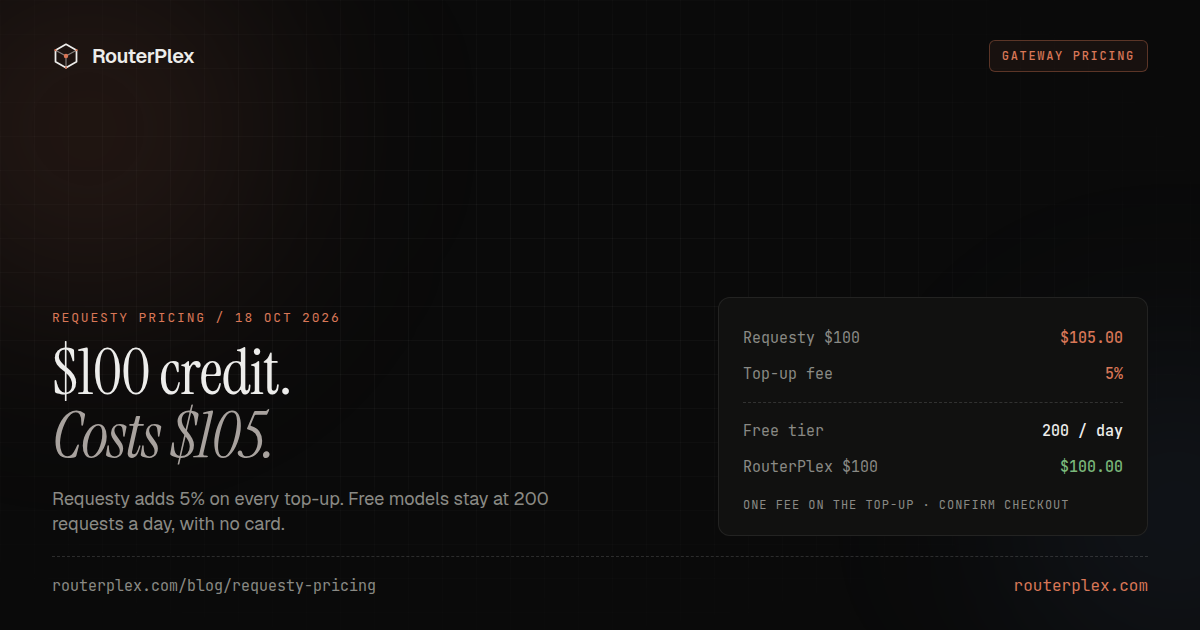
Requesty pricing, checked 18 October 2026, is provider token prices plus a 5% service fee on every top-up. The billing docs print the example: a $100 top-up costs $105 and credits $100. The pricing page states the same ratio as spend: a model that costs $10 per 1M tokens from OpenAI costs $10.50 through Requesty. There is no per-seat price and no minimum spend on that page. RouterPlex is the comparison wallet in this article: vendor list price, a $0 top-up fee, and requests that stop at $0.
Disclosure: RouterPlex publishes this comparison and sells the prepaid wallet described below. Read the Requesty pages linked here before you move a production bill.
Checked 18 October 2026: Requesty pricing, Requesty quickstart, Requesty billing, Bring Your Own Keys (page last modified 12 October 2026), and EU routing. RouterPlex figures are from the pricing page and the live catalog the same day. Rates change. Read the checkout before a large purchase.
How much does Requesty cost? #
Requesty publishes the 5% in two places, and they describe one fee from two sides.
The pricing page says you pay for what the application spends, plus 5%. Its worked example is a model at $10 per 1M tokens from OpenAI, billed at $10.50 through Requesty. The same page says there is no per-seat pricing and no minimum spend. Routing, caching, and EU data residency are included on every plan. Enterprise adds SSO, RBAC, and custom SLAs on request.
The billing page says the fee is collected at checkout. A 5% service fee is added to every top-up, so a $100 top-up costs $105 and credits $100 to the balance. The quickstart uses the same sentence: you pay the provider token prices, and a 5% service fee is added when you top up credits. Every request can show its cost in the analytics dashboard and in the usage.cost field.
Treat those lines as one 5%. A $10 provider charge, funded by credits you bought with the 5% fee, costs $10.50 out of pocket. That is the pricing-page example. Adding a second 5% on top of the top-up fee is a misread. Confirm the cart, because a promotion, a currency conversion, or an enterprise agreement can change the number you actually pay.
| Credit added to the balance | Fee at the published 5% | Amount charged |
|---|---|---|
| $20 | $1.00 | $21.00 |
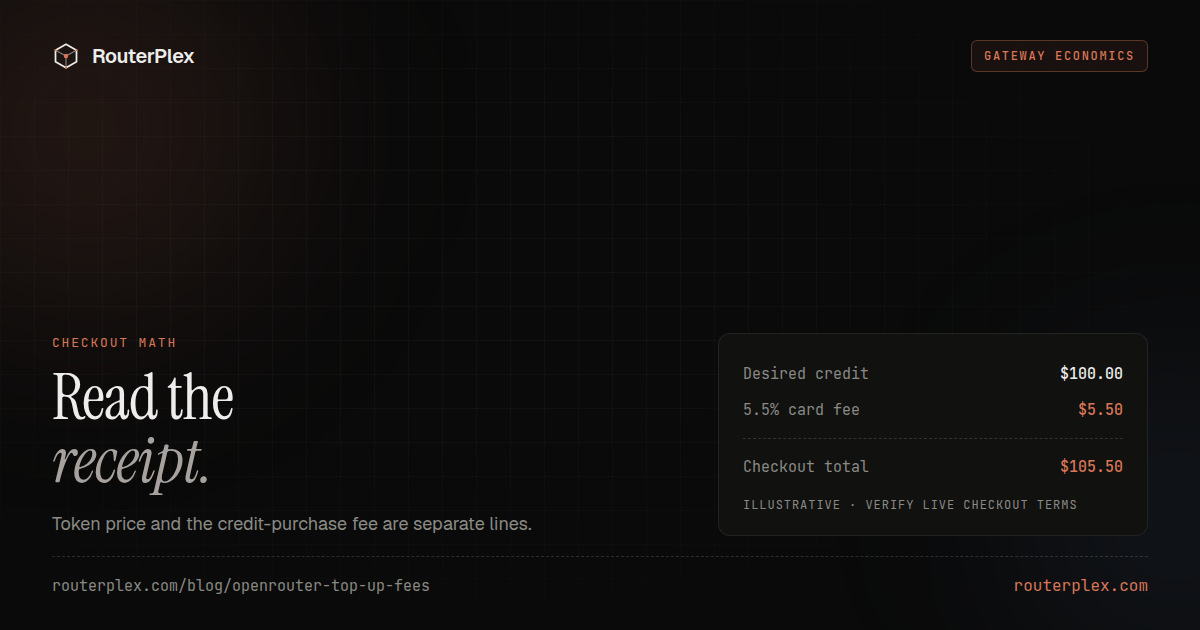
| $100 | $5.00 | $105.00 |
| $1,000 | $50.00 | $1,050.00 |
Only the $100 row is printed as an example on the billing page. The $20 and $1,000 rows are the same 5% applied to other credit amounts. They are arithmetic, not a second rate card.
What does a $100 Requesty top-up include? #
The balance is prepaid and held in USD. Each request deducts its cost from that balance. The billing page lists these payment methods:
| Payment method | Currencies on the billing page |
|---|---|
| Card | USD, GBP, EUR, JPY, CNY |
| iDEAL, Bancontact, EPS, Satispay | EUR |
| Billie (pay by invoice) | GBP |
| Pix | BRL |
| UPI | INR |
| Naver Pay | KRW |
Pix top-ups are limited to $3,000 per payment, and UPI top-ups to ₹100,000 per payment, including the service fee. Cards are processed by Stripe. Requesty says it stores a reference to the payment method, and it does not store the card details. If you pay in another currency, checkout shows the exchange rate and the converted base, fee, and total. The displayed rate already includes currency conversion costs. Cards outside USD, GBP, EUR, JPY, and CNY are charged in USD.
The billing table checked on 18 October 2026 does not list cryptocurrency. Auto top-up is optional. You set a USD threshold and a USD amount. When the balance falls below the threshold, Requesty charges the saved payment method for that amount plus the 5% fee and credits the USD amount. Only one top-up runs at a time. If the card keeps declining, auto top-up stops until a charge succeeds or you set it up again.
The billing page does not publish a credit-expiry rule or a refund window. This article will not invent either. OpenRouter does publish both, and that separate fee shape is covered in OpenRouter credits and top-up fees.
What is free, pay as you go, and enterprise? #
The pricing page has three cards. A feature grid sits under them, and a text extract of that grid does not show which rows are checked, so the lists below follow the cards and the quickstart, not guessed checkmarks.
| Free | Pay as you go | Enterprise | |
|---|---|---|---|
| Price | $0 | 5% markup | Custom |
| Models | Free models | All 600+ models | Custom, including approved-model policies |
| Daily cap | 200 requests | Not stated as the free cap | Custom |
| Card | Not required | Required once you top up | Agreement |
| Included on the card | Routing, caching, fallbacks, spend tracking, EU data residency | Bring your own keys, routing policies, caching, fallbacks, spend limits, MCP Gateway, EU data residency, advanced observability, email support | SSO (Okta, Azure AD, Google Workspace, custom OIDC), RBAC, audit logs, teams and spend controls, guardrails and PII detection, EU data residency, CI service accounts, dedicated support, custom SLAs |
The quickstart adds the catalog size used in this article: one endpoint across 600+ models from 30+ providers. The pay-as-you-go card says all 600+ models. Free stays on free models. The same quickstart says those free models use the same routing, logs, and analytics as paid models, with 200 requests per day and no credit card.
RouterPlex has no matching free-model plan. The minimum top-up is $5. The public catalog on 18 October 2026 was 64 models from 15 providers: 63 chat models and one image model.
What happens when the Requesty balance hits zero? #
On a prepaid organization, the billing page is direct. Every request deducts its cost. Once the balance runs out, requests return HTTP 402 until you top up. Auto top-up, if it is on and the card succeeds, is how the balance stays above the floor you set. If the card fails, the 402 path is what remains.
Post-paid is a different contract. By agreement with Requesty, traffic can keep flowing while the balance is negative, and usage is settled separately. Requesty sets that status. It cannot be enabled from the API. The default described on the billing page is the prepaid 402, not an overdraft.
RouterPlex stays on the prepaid side. New requests stop at $0. A key can also carry a hard lifetime spend budget, so a leaked key or a looping agent spends the amount loaded on that key and then stops. A 402 on this API means the balance or the key budget is used up. Pay as you go has no RouterPlex RPM or TPM cap. Provider rate limits still apply. There is no RouterPlex post-paid mode that continues calls below zero.
Does bring-your-own-key change the 5%? #
Bring your own key is documented, and the fee line is not. The BYOK page, last modified 12 October 2026, lets you add one key per provider for OpenAI, Anthropic, Google AI Studio, Vertex AI (a service account, separate from a Google AI Studio key), Mistral, and xAI. You then pick Requesty keys or your own keys inside a fallback policy. The stated benefits are your existing provider account, your own billing relationship, and tracking of who added the key.
The quickstart says you use your own provider accounts and keep existing pricing. That is the sentence to quote. It is not a printed "BYOK is 0%" rate. The pricing page lists bring your own keys on the pay-as-you-go card, and that card is the 5% plan. Until Requesty prints a separate BYOK fee, assume you still need to read the invoice for platform charges, and assume the provider invoice is yours for traffic that uses your key.
RouterPlex does not offer bring-your-own-key. The gateway is the merchant for the models on its catalog. That is a poor fit when the requirement is an existing OpenAI or Anthropic contract, and a direct fit when you want one prepaid balance instead of those contracts.
How does a $0 top-up wallet compare? #
| Question | Requesty, 18 October 2026 | RouterPlex, 18 October 2026 |
|---|---|---|
| Fee to add $100 of credit | $105 charged, $100 credited | $100 charged, $100 credited |
| Token price | Provider token prices, with the 5% collected on the top-up | Vendor list price, 0% markup |
| Catalog | 600+ models, 30+ providers | 64 models, 15 providers |
| Free start | 200 requests a day on free models, no card | No free-model plan. Minimum top-up $5 |
| Empty balance | Prepaid requests return 402. Post-paid, by agreement, can run negative | Requests stop at $0 |
| Your own provider keys | Documented for six providers | Not offered |
| Region | Global, EU, US, and AP router endpoints. EU residency is on every plan card | No published included EU region |
| Credit expiry on the pages checked | Not stated | Pay-as-you-go credit does not expire |
| Crypto on the billing table | Not listed | Card and crypto, $0 top-up fee |
One live RouterPlex price pair from the catalog payload that day: claude-opus-5-5 at $4 input and $20 output per 1M tokens, and gpt-6-sol at $2 and $10. Those are list rates, not a discount. If the model is missing, the model index is the check, and Requesty is the honest place for the long tail.
Optional RouterPlex plans add credit on top of the subscription price: Plex Lite is $10 for $11, Plex Pro is $30 for $35, and Plex Max is $100 for $125. They also add 4-hour, weekly, and monthly spend windows. They are not required to call the API. The pay-as-you-go path has no subscription.
A $100 provider bill is the clean comparison. Through the published Requesty 5%, the money out is $105. Through RouterPlex list price and a $0 top-up fee, the money out is $100, for a model both catalogs actually serve. The product comparison is the short version of that table. The proxy-versus-hosted question, which Requesty is not, is LiteLLM vs OpenRouter.
How do you point one OpenAI client at each? #
The client is the same. The base URL, the key, and the model id are not.
import osfrom openai import OpenAI# Requesty global router. EU is https://router.eu.requesty.ai/v1requesty = OpenAI(base_url="https://router.requesty.ai/v1",api_key=os.environ["REQUESTY_API_KEY"],)# RouterPlex prepaid catalog. Use the id from /models, such as claude-opus-5-5.routerplex = OpenAI(base_url="https://api.routerplex.com/v1",api_key=os.environ["ROUTERPLEX_API_KEY"],)
Requesty also documents US (https://router.us.requesty.ai/v1) and AP (https://router.ap.requesty.ai/v1). The EU endpoint processes and stores data in Frankfurt. By default it can still route to a model hosted outside the EU. Restricting the organization to EU-region models is a separate setting on their compliance page.
Model ids differ. On Requesty, a bare name is a managed policy that can fail over across providers, and provider/model pins one provider. On RouterPlex, use the plain id from the catalog. For the Anthropic SDK, Requesty documents https://router.requesty.ai/anthropic/v1/messages. RouterPlex uses https://api.routerplex.com with no extra /v1, because the Anthropic client appends /v1/messages.
When is the 5% the right fee? #
Pay the 5% when the catalog, the free daily lane, or the region endpoint is the requirement. Six hundred models, 200 free requests a day, and an EU router are real Requesty advantages. Bring-your-own-key is a real advantage when the provider contract has to stay yours.
Skip the 5% when the models you call are on the 64-route list and the control you want is the funding line: $100 in, $100 of tokens, and a balance that stops at $0. Create a $5 key, set a lifetime budget, and send one small request before an agent loop. If a model is absent, keep Requesty for that route.
Common questions
Frequently asked questions
How much does Requesty cost?
Checked 18 October 2026, Requesty has no per-seat price and no minimum spend on its pricing page. You pay provider token prices, and a 5% service fee is added when you top up. The billing docs print the example: a $100 top-up costs $105 and credits $100. The pricing page states the same ratio on spend: $10 per 1M tokens from OpenAI costs $10.50 through Requesty.
Does Requesty charge 5% on tokens and again on the top-up?
Treat the two sentences as one 5% fee. The pricing page describes it on spend. The billing page and the quickstart describe it on the top-up. No page checked that day says both apply as separate charges. Confirm the checkout total before a large purchase.
Is there a free Requesty plan?
Yes. The pricing card is $0, with access to free models, 200 requests per day, routing, caching, fallbacks, spend tracking, and EU data residency. No credit card is required. Pay as you go is the plan that unlocks all 600+ models and adds the 5% fee.
Can a Requesty balance go negative?
The default organization is prepaid. The billing page says a request is rejected with HTTP 402 once the balance runs out. A separate post-paid agreement, which Requesty has to turn on, lets traffic continue while the balance is negative. That mode cannot be enabled from the API.
Does Requesty bring-your-own-key remove the 5%?
The BYOK page, last modified 12 October 2026, does not print a 0% platform-fee line. It lists OpenAI, Anthropic, Google AI Studio, Vertex AI, Mistral, and xAI, with one key per provider. The quickstart says you keep existing provider pricing. The pricing page still lists bring-your-own-key on the pay-as-you-go card, which is the 5% plan. Confirm how BYOK traffic is billed before you assume the top-up fee is waived.
Is RouterPlex cheaper than Requesty?
On the funding fee, yes, for models both catalogs sell. A $100 RouterPlex top-up is $100 of token credit at vendor list price. The same $100 of Requesty credit costs $105 at the published 5%. Requesty is the better buy when you need 600+ models, 200 free requests a day, EU residency, or a provider key you already hold. RouterPlex lists 64 models and has no free-model plan.
Run the smallest paid test.
Add $5, cap the key, and verify the result with your own workload. No subscription, and credit never expires — a first top-up of $25+ is matched with $25 extra.